
school and education

Contact Us

 +237 222 223 843

Current Events

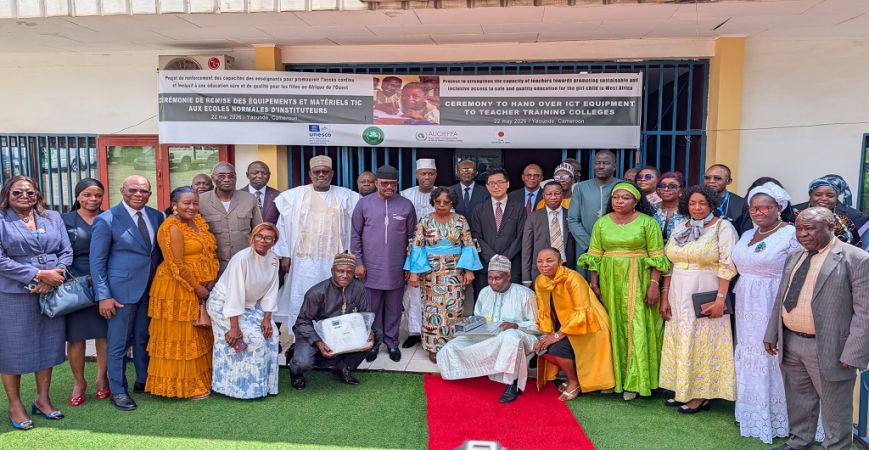
  • ACCELERATION OF DIGITALIZATION IN MINESEC

    ACCELERATION OF DIGITALIZATION IN MINESEC

    Details
  • The 21st Edition of the National Week of Bilingualism has been officially launched in Edea, Monday, 2 February 2026.

    The 21st Edition of the National Week of Bilingualism has been officially launched in Edea, Monday, 2 February 2026.

    Details
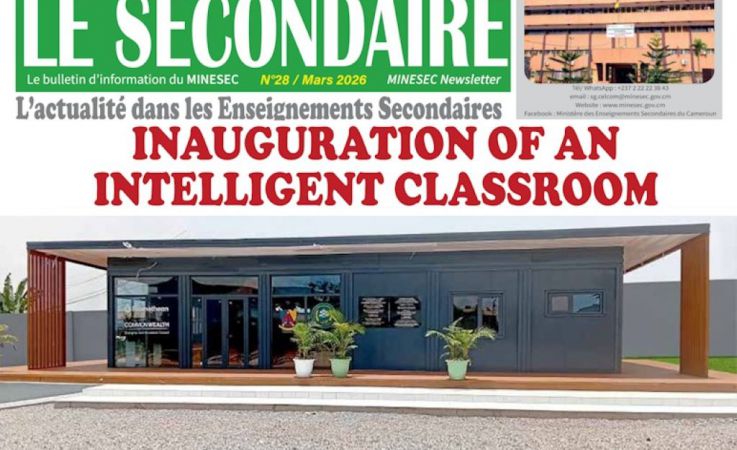
  • ACCELERATION OF DIGITAL TRANSFORMATION IN SECONDARY EDUCATION WITH INNOVATIVE TECHNOLOGY

    ACCELERATION OF DIGITAL TRANSFORMATION IN SECONDARY EDUCATION WITH INNOVATIVE TECHNOLOGY

    Details
  • NEWS LETTER LE SECONDAIRE N°25

    NEWS LETTER LE SECONDAIRE N°25

    Details
  • NEWS LETTER LE SECONDAIRE N°24

    NEWS LETTER LE SECONDAIRE N°24

    Details
  • Celebrating Collaboration and Commitment in Education

    Celebrating Collaboration and Commitment in Education

    Details
  • OFFICIAL LAUNCH OF THE 2025-2026 ACADEMIC YEAR IN MINESEC

    OFFICIAL LAUNCH OF THE 2025-2026 ACADEMIC YEAR IN MINESEC

    Details
  • SMOOTH UNFOLDING OF EXAMS BY DECC AND THE GCE BOARD- 2025 SESSION

    SMOOTH UNFOLDING OF EXAMS BY DECC AND THE GCE BOARD- 2025 SESSION

    Details
  • ABONG-MBANG/DIMAKO 2025: The Grand Cultural and Sports Jamboree is on.

    ABONG-MBANG/DIMAKO 2025: The Grand Cultural and Sports Jamboree is on.

    Details

Shortcodes (en)

Images

To create an image, use the image shortcode. You can use the [thumbnail_caption] shortcode to apply a caption under an image.

StyleDescription
uk-thumbnail creates a border around the image
uk-border-rounded creates an image with rounded corners
uk-border-circle creates an image which is round
uk-thumbnail-expand Makes the image fill the entire width of the parent container


Image with thumbnail style


sample_1

markup
[image style="uk-thumbnail" src="/web/images/demo/gallery/2.jpg" alt="sample_1" width="250" height="250"/]

Image with rounded corners style


sample_1


markup
[image style="uk-border-rounded" src="/web/images/demo/gallery/2.jpg" alt="sample_1" width="250" height="250"/]

Image in circle


sample_1


markup
[image style="uk-border-circle" src="/web/images/demo/gallery/2.jpg" alt="sample_1" width="250" height="250"/]

Image with caption

You can use the [thumbnail_caption] shortcode to apply a caption under the image.

sample_1
image caption

markup
[thumbnail_caption caption="image caption"]
[image style="" src="/web/images/demo/gallery/2.jpg" alt="sample_1" width="250" height="250"/]
[/thumbnail_caption]

You can view more examples and classes that you can use from here

Multimedia
April 2026
S M T W T F S
1 2 3 4
5 6 7 8 9 10 11
12 13 14 15 16 17 18
19 20 21 22 23 24 25
26 27 28 29 30

Life in MINESEC

VOD

Talk to us

+237 222 223 843